Web Interfaces/Google Analytics Tab
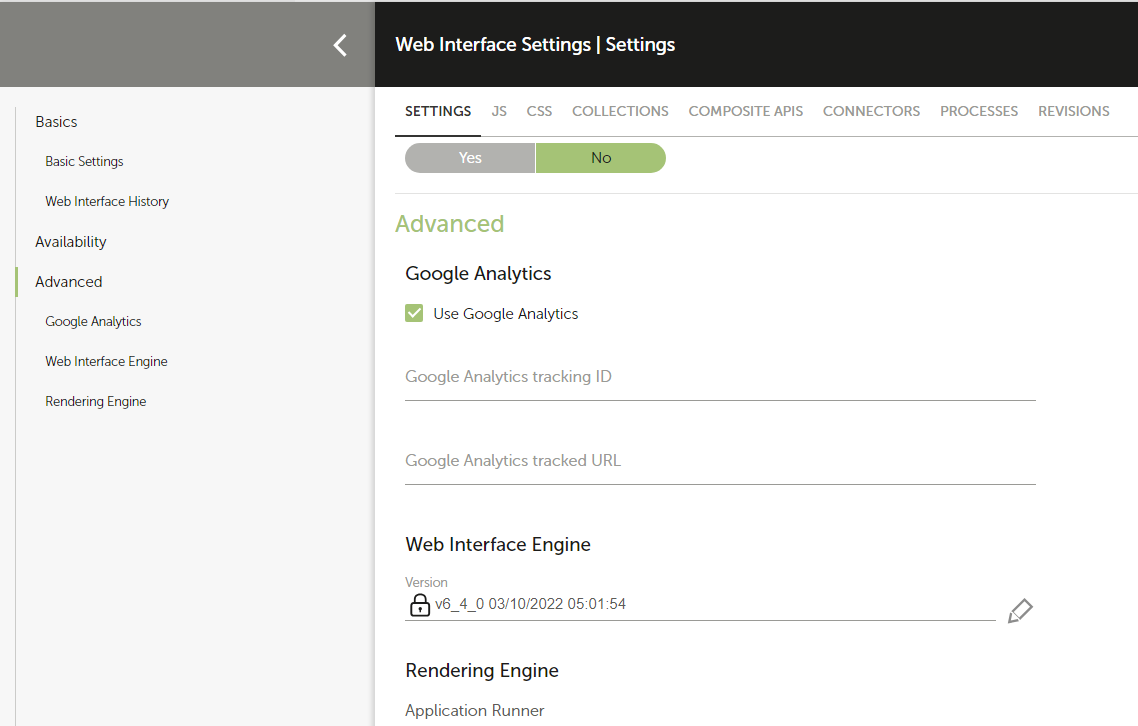
The Google Analytics tab allows you to configure a tracker for your web interface.
-
Enable the option Use Google Analytics.
Enter the Google Analytics Tracking ID** (e.g.,
UA-XXXX-Y). -
Define the Tracked URL.
- This is the URL that will appear in your Google Analytics dashboard.
- The URL is interpreted using Freemarker.
- You may use the following Freemarker variables:
We recommend to use a default value for such variable ie:
/my_analytics_url/${P_analytics.screen!'default_screen'}
Note: This is available only for the Application Runner engine